From Getting Started with Notearama (Publisher) by David Nagy · Notearama Help
Import Markdown files
Published
Compress the Markdown files you want to form into a notebook as a zip file.
Go to Profile/My submissions under your Profile
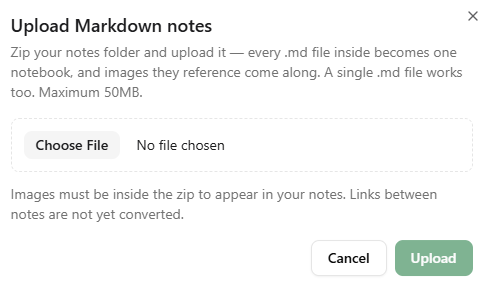
Choose the Upload Markdown button:

Choose the zip file and click Upload:
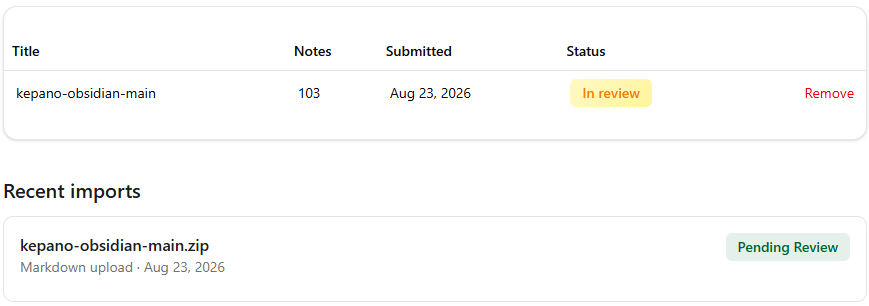
The status of your submission is shown on the My Submissions page:
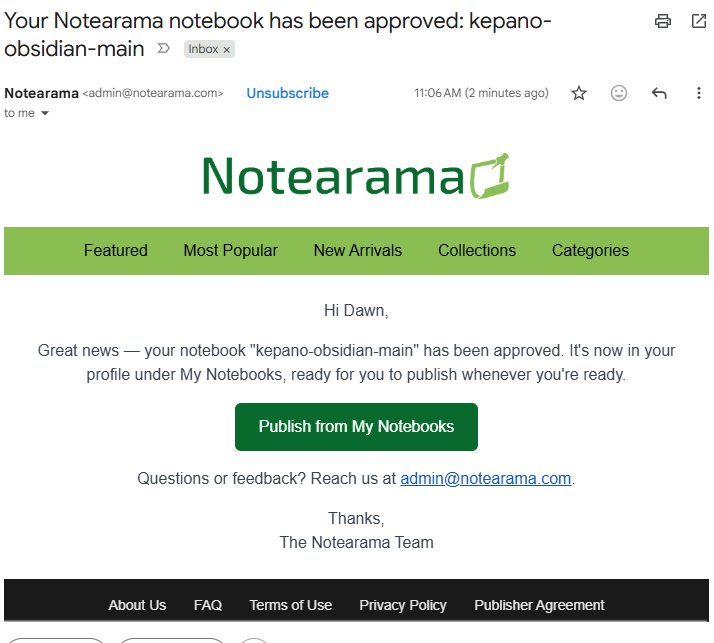
You will receive an email after the submission has been approved.
Go to Profile/My Notebooks and check the Publishing box to make the notebook live in the Notearama Notebook Browser.
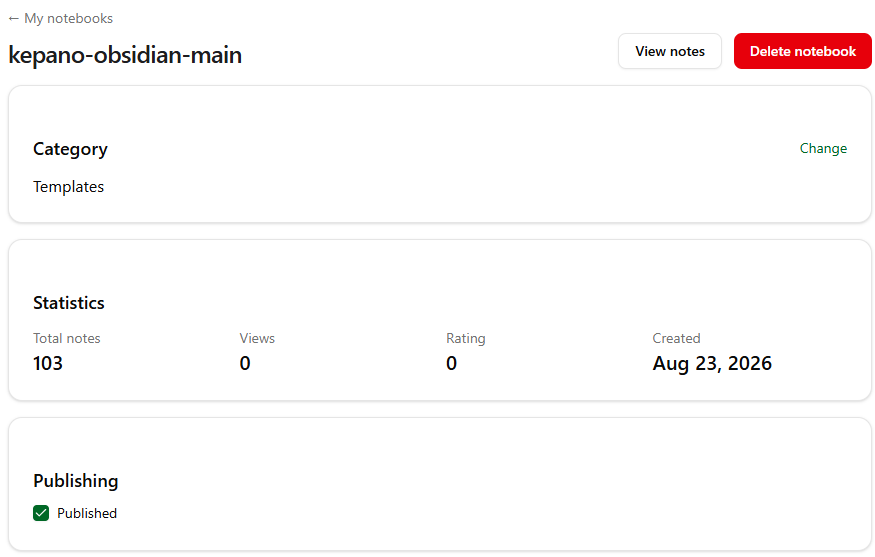
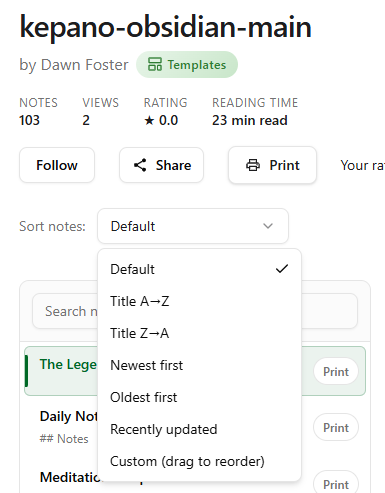
If you want to change the sort order of the notes, click the View notes button.
Select the Custom (drag to reorder) option from the dropdown list, reorder the notes, and click the Save order button.