From NEW Kid Apps by TONY LPD · Business
PeeringDB Handbook copy
Published
PeeringDB Data Set loaded into AWS QuickSight (Multiplatform Power BI)
ver. 11:50 AM January 21, 2021
Synopsis -- File management using JSON file of 2 Stanzas with peeringDB fields partially selected using OS X Big Sur client
I. Linking to defined AWS QuickSight dashboards
II. Who can use dashboards
III. Flow
Summary
Amazon AWS Packages Power BI for use on any platform
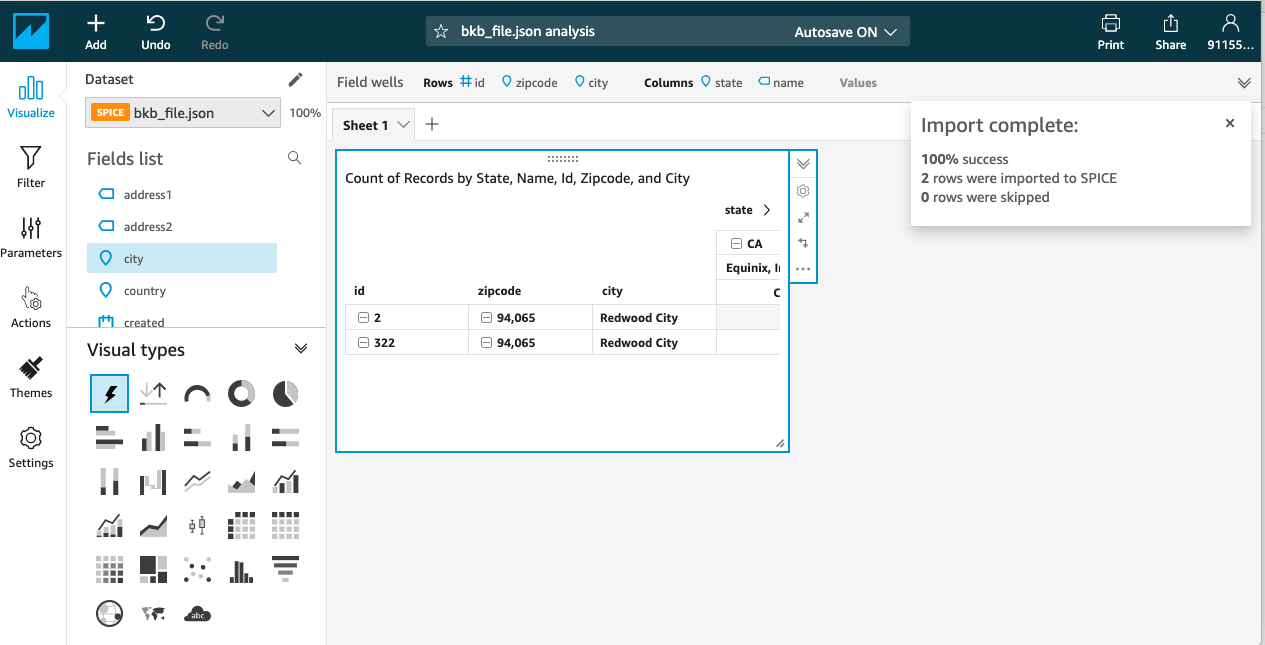
Another rendering of same small file
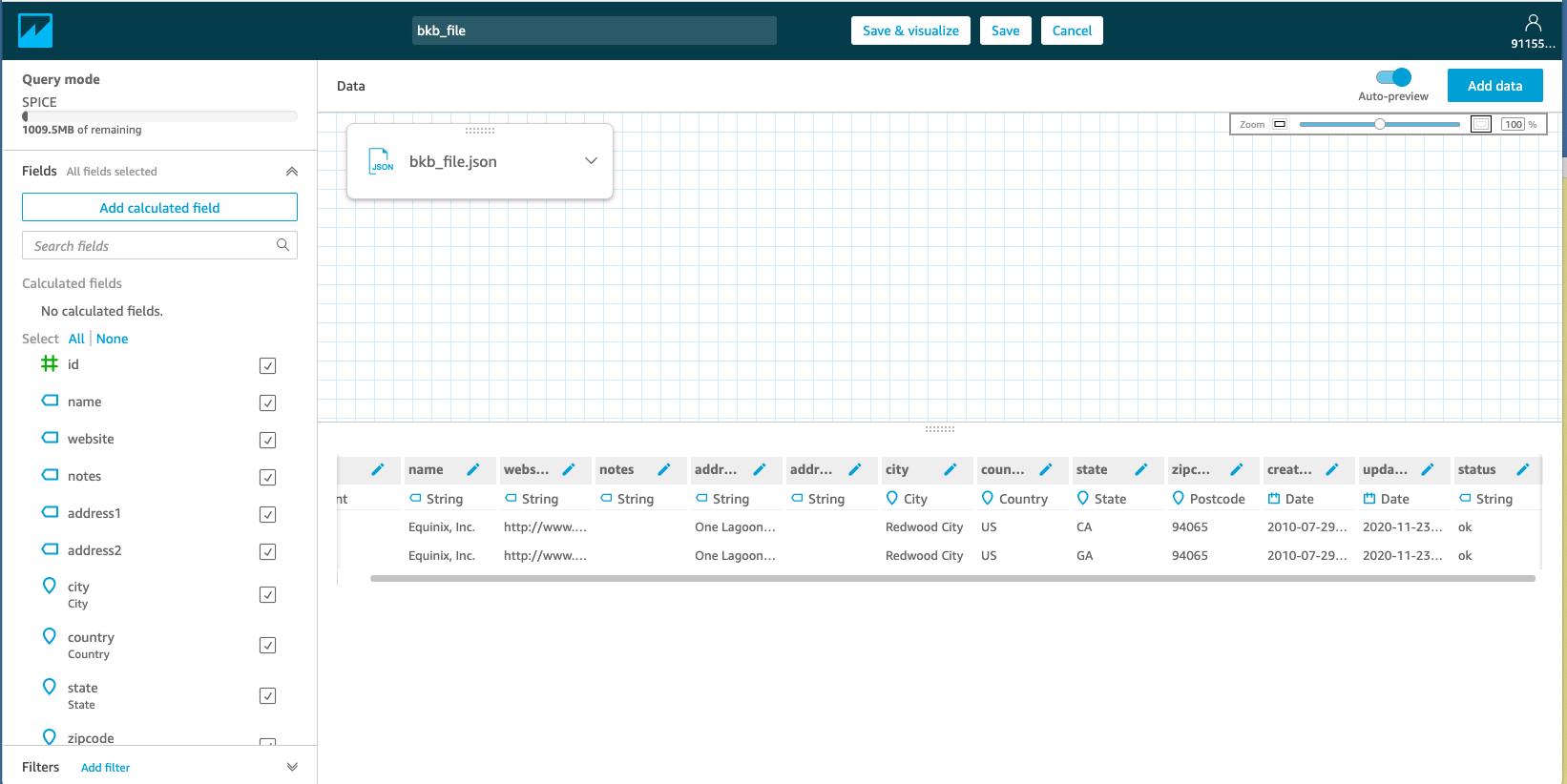
Raw JSON data as imported and rendered
[
{
"id": 2,
"name": "Equinix, Inc.",
"website": "http://www.equinix.com",
"notes": "",
"address1": "One Lagoon Drive",
"address2": "",
"city": "Redwood City",
"country": "US",
"state": "CA",
"zipcode": "94065",
"created": "2010-07-29T00:00:00Z",
"updated": "2020-11-23T13:05:13Z",
"status": "that be fine"
},
{
"id": 322,
"name": "Equinix, Inc.",
"website": "http://www.equinix.com",
"notes": "",
"address1": "One Lagoon Drive",
"address2": "",
"city": "Redwood City",
"country": "US",
"state": "GA",
"zipcode": "94065",
"created": "2010-07-29T00:00:00Z",
"updated": "2020-11-23T13:05:13Z",
"status": "ok"
}
]
III. Flow -- How to Use QuickSight with AWS Buckets
- Login to AWS Management Console
- Under "Analytics". find link "QuickSight"; click on that
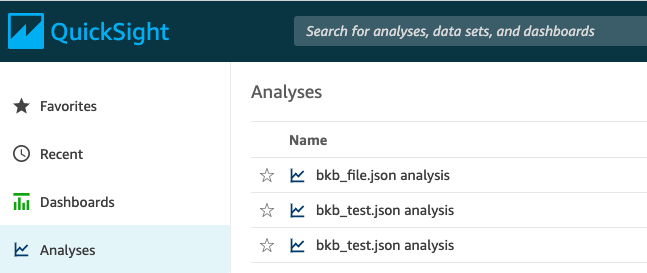
- Files available in your S3 Bucket are listed along with several from other sources (not sure where from at this point)
- Click on the data file you want to analyze
- Files you want to analyze that are not listed are (probably) not in your AWS Bucket. These need to be added to your bucket, see "File Management in your PeeringDB Bucket" in this Handbook.
IV. File Management in your PeeringDB Bucket (to be cut and pasted to another Handbook)
Note: Lociot and Lociot-aqs are working names for purposes of exploring how AWS managements these resources.
Note: User must be logged in with at least file Read permission.
- Navigate to s3.console.aws.amazon.com
- Click on S3 which may be under 'Recently Visited Services' or else 'All Services'
- In the Management Console buckets are listed, click on the one for the file you plan to analyze
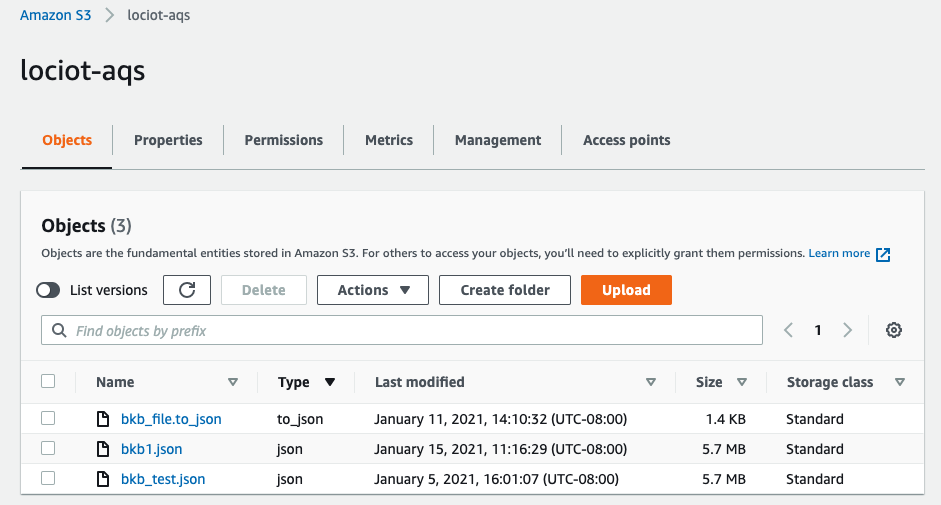
NOTE: Buckets have an action suite that operates for one or more selected files. See Actions drop down in the screen shot above. One of these actions is a user-defined search on fields in the objects of the selected files. Another is a download capability from S3 to local storage. At least one of these Actions--search--is billable.