From Getting Started with Notearama (Publisher) by David Nagy · Notearama Help
1. Getting Started with Notearama (Publisher)
Published
Learn how to import notebooks or Markdown files, organize, publish, and manage collections.
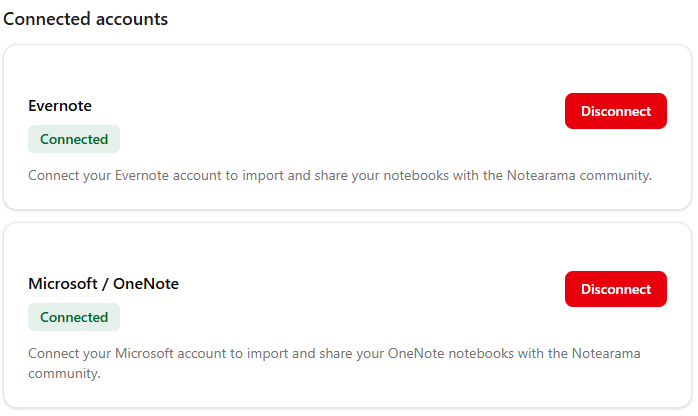
For Evernote or OneNote direct account imports, connect your account:

Publisher workflow
- Prepare your notebook in a source app (e.g., Evernote or OneNote)
- Notebook name
- Contents
- Formatting
- Create or Log in to your Notearama account
- Connect a source app if not already connected from your Profile page:
For Evernote or Markdown file imports, use the Upload button in My Submissions.
